Pano2VR

Pano2VR is virtual tour software that turns panoramic photos, 360° videos, gigapixel images, 3D models, and Gaussian Splats into interactive experiences.

Whether you’re working with a single high-resolution panorama or a virtual tour with thousands of connected scenes, Pano2VR helps you create immersive projects for modern browsers. Finished tours can be integrated into existing websites and viewed on desktops, mobile devices, and VR headsets.

Create a Sense of Space

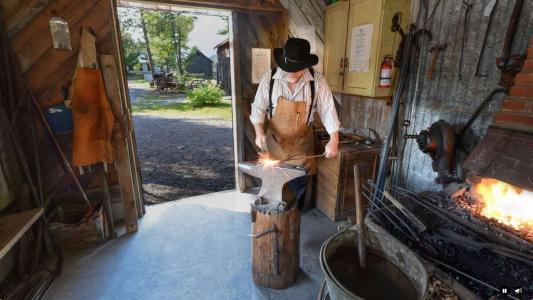
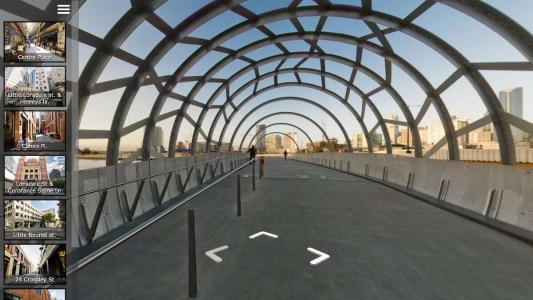
Connect panoramas, 360° video, maps, hotspots, and visual cues into tours that feel easy to explore.

Viewers can move from one location to another at their own pace, following links between rooms, viewpoints, objects, and areas of interest. Add transitions, navigation menus, and media to give the tour a clear rhythm and flow.

pano2vr-8-tour3

Build with 3D Models and Gaussian Splats

Combine panoramas with 3D models and Gaussian Splats to create tours with more depth and spatial detail.

Models can show the structure of a space, while Gaussian Splats can present scanned environments and objects. Use hotspots, media, and node links to guide viewers through connected scenes.

pano2vr8-gaussian-splat5

Improve Your Images

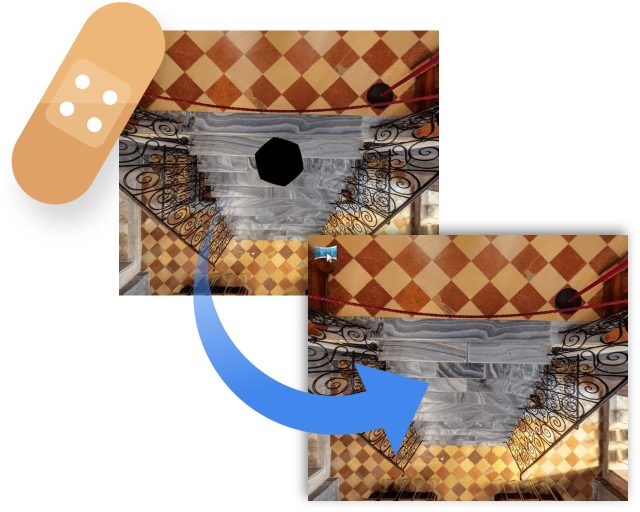
Remove tripods and other image imperfections using Pano2VR’s Patch mode. With this invaluable tool, you can extract a defined patch area from the panorama without distortion, making it easier to retouch.

Define and extract the image patch in Pano2VR. Then, edit it in your favorite editor. Once it’s saved, the modified patch will be automatically applied non-destructively to the panorama.

Or never leave Pano2VR and instead use AI to correct the image for you. 

Patch the Nadir

Design the Viewer Experience

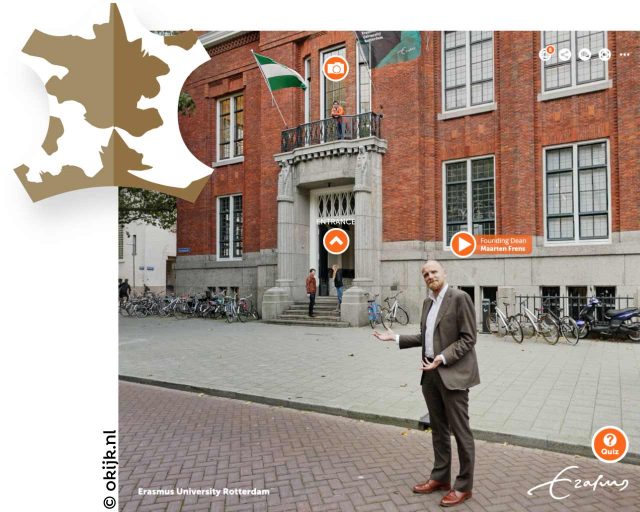
Pano2VR gives you control over how your tour looks and feels. Built-in skins provide ready-made navigation, thumbnails, maps, buttons, and popups, while the Skin Editor lets you adapt the interface to suit the project.

Add floor plans, image galleries, information panels, custom menus, and branded details to support the visual experience. A real estate tour, museum exhibition, training project, or photo-based story can each have its own style and rhythm.

Or work with these third-party designers here to help you achieve your goals.

360 virtual tour example with custom skin and hotpots

Reveal the Highlights

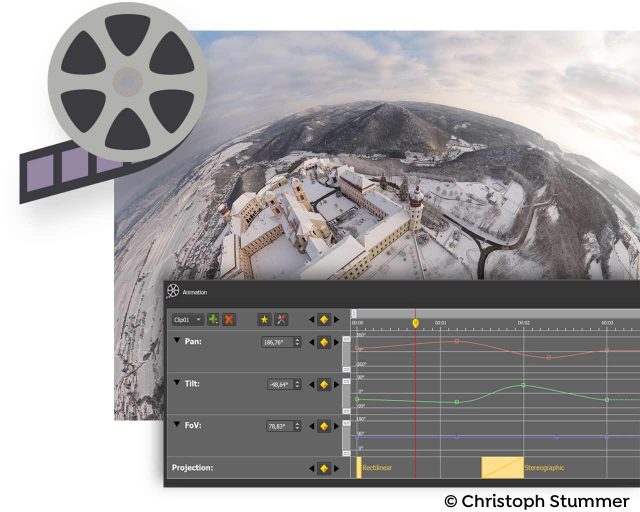
Highlight significant scenes in your tours by creating animation paths that automatically navigate through each tour node. At any time, the viewer can choose to pause the animation to interact and explore further. You can even export this walk-through as a video file.

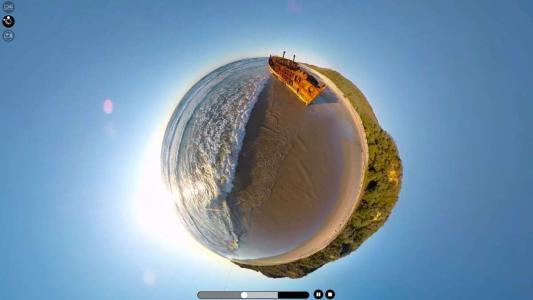
360 video with little planet effect

Zoom In

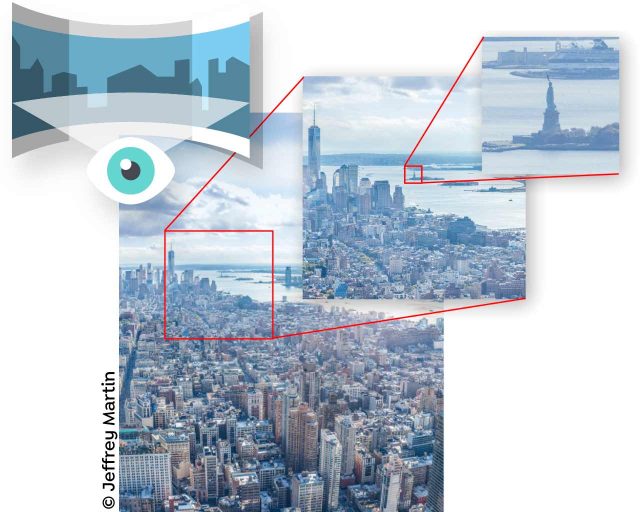
Pano2VR supports gigapixel images and multi-resolution so viewers can zoom deep in to the image to see amazing details. Load in the largest panorama you can find! Pano2VR can not only handle it but processing the panoramas is fast and the output is pixel perfect.

gigapixel panorama example with super high resolution 360 photo

Show Your Work

Export panoramas in HTML5 format and upload to your web server. We even offer a handy plugin that lets you post your finished projects directly to your WordPress site. 

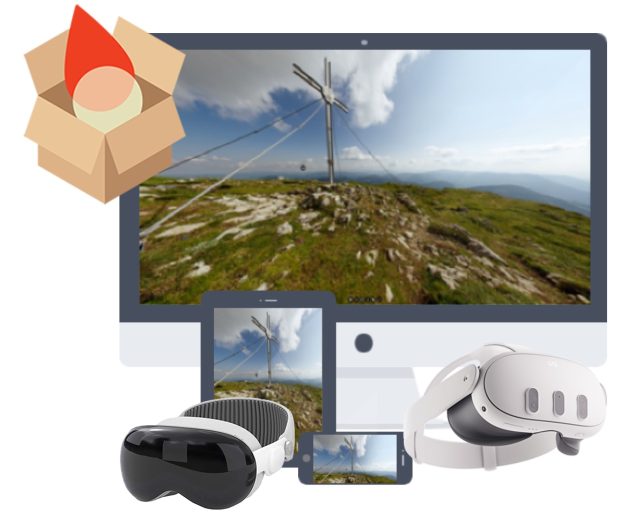
Want to share your work in virtual reality? The program supports WebXR, which allows you to create a fully immersive VR experience directly from a web page so you can view projects on Apple Vision Pro and Meta Quest. Alternatively, use the  VRTourviewer  app integration for offline VR tours. 

View on Multiple Devices
Video Panoramas
In addition to flat, cylindrical, 3D Models, and spherical panoramic images, Pano2VR also supports 360° videos.
Live Update
When Live Update is active, every change to the project is updated live in the browser after saving.
Projections
Easily change projections during viewing or fly in from little planet view.
Directional Sound
Use Pano2VR's Sound Mode to add directional sound to your projects.
Droplets
If you need to create many projects on a regular basis, droplets let you do this with minimal effort.
Integrated Web Server
Pano2VR has a built-in web server so that once you create your tour, you can immediately see the results of an HTML5 output.
Google Street View
Pano2VR is a Street View ready application that gives you the ability to edit and publish tours to Google Street View.
WordPress Plugin
Embed panoramas, VR tours, and object VRs in your WordPress site.

Examples

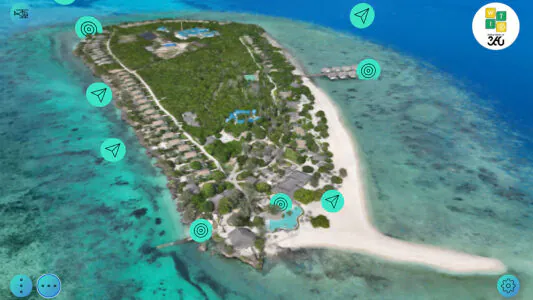
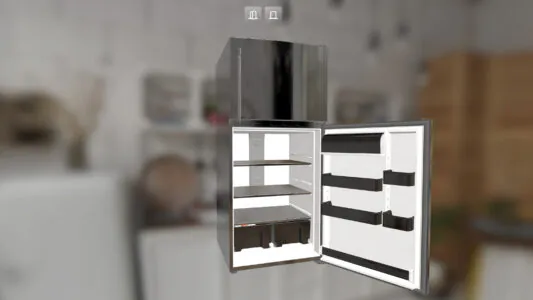
The Grand Villa Estate is a tour that opens with a 3D Model. Spin the property around and inspect it from all angles! The tour also uses the model to transition between the 360º panoramic images of the estate.

Images courtesy World Travel in 360.

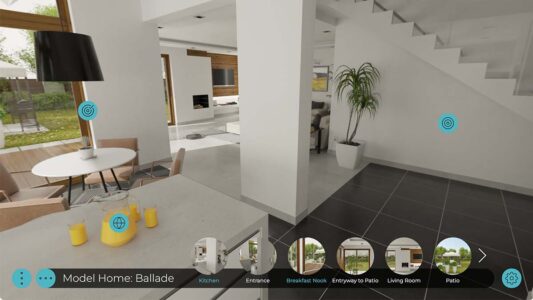
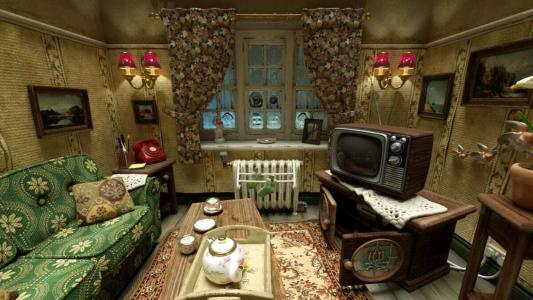
This virtual tour example uses computer-generated home models and features the built-in skin, “Feather Orb”. The Feather Orb skin features a sliding thumbnail menu, animated circular node hotspots with preview, and translation support. Check out all the built-in skins.

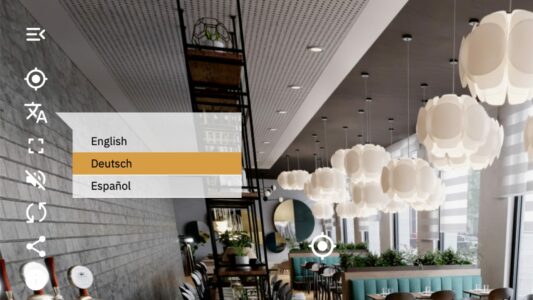
Pano2VR tour example that uses the Material Dart skin and showcases a multilingual menu, directional sound, PDF popup, and VR skins.

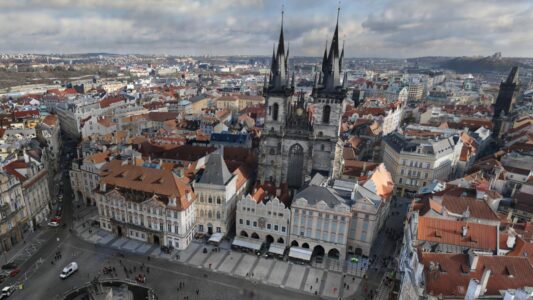
Zoom in to Jeffrey Martin’s 400-gigapixel panorama of Prague! This 360º image is 900,000 pixels wide. It took about 10 hours to remap on a laptop using Pano2VR, resulting in a total of 1,569,650 tiles.

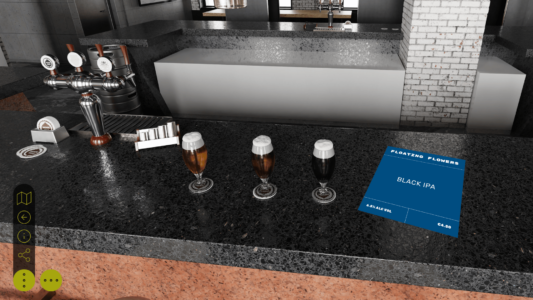
This Pano2VR tour example uses a 3D model for transitions, Pinned Video, Images, Sounds, Lottie Animations, animated Hotspots, rollover effects, and a customized Feather Orb skin. Additionally, the exported CG images are using the WebP image format.

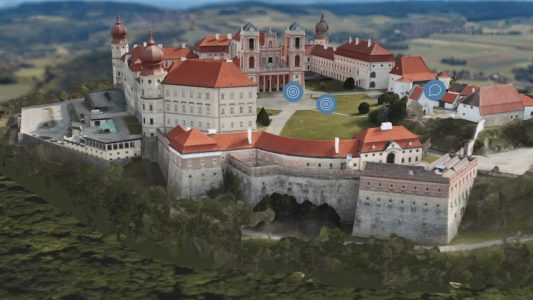
Take a tour of Göttweig Abbey in all it’s Gaussian Splat splendor!

Here is an interactive 360º video demo reel with changing projections that were created in the Animation Editor. See a rendered output on YouTube.

Video courtesy Panedia.

Embed video into still panoramas to add some movement to your panorama. This example shows the video pinned and aligned within the panorama.
Tutorial for embedding video.

Panorama courtesy Present Photography.

Build nested menus using multiple categories. Add this menu to a project using the Thumbnail Menu with Categories component, customize it to your needs, or build it from scratch. Learn to do both.

Images courtesy Panedia.

This example shows stereo panoramas in WebVR. Learn how to work with stereo images in Pano2VR.

Panoramas courtesy Thomas Sharpless and Leonstudio VFX.

This tour features a 3D Model of the Göttweg Abbey. The model itself has tour nodes and pinned elements and uses target cameras and custom camera paths.

A gigapixel image with changing projections created in the Animation Editor and used as auto-rotation in the Web Output. Check out the animation output over on YouTube.

Panorama courtesy Matthias Taugwalder.

show more examples

Try Pano2VR for free

Download and test Pano2VR as long as you like. If you would like to use Pano2VR without visible watermarks or node limitation, you will need to order a license key.
Stable Version: 8.0
May 27, 2026

Buy your license key

Pano2VR 8

Buy 1 license for

499.00 Euro (excl. VAT)

For each additional user it’s

400.00 Euro (excl. VAT)

Pano2VR subscription

Clear

Upgrades

If you have an older license of Pano2VR and would like to upgrade to the latest, you can log in to your account to see what options are available to you.

If you have a subscription, there’s no need to upgrade as you’ll always have access to the latest version.


Learn more about how to upgrade.