This documentation is for an older version. View the current documentation.
Pinned Sounds
Use the Sound Mode to add directional and static audio to your project.
Workflow
Activate the sounds mode in the Viewer
via the Modes drawer or by hitting s on the keyboard.
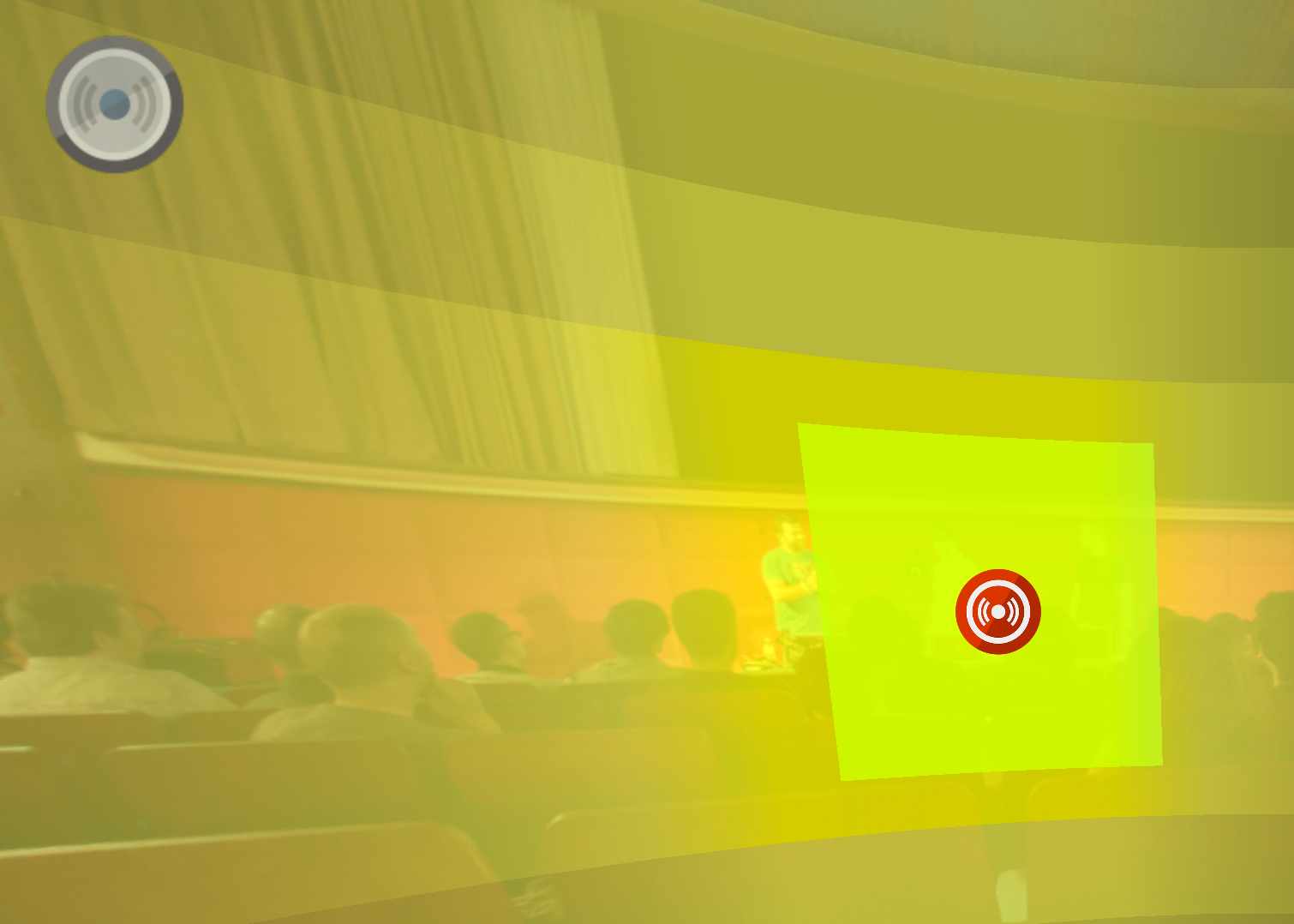
Double-click in the Viewer to add a sound. You’ll be prompted to add an audio file. Add the file and then use the Properties panel to adjust the sound’s settings.