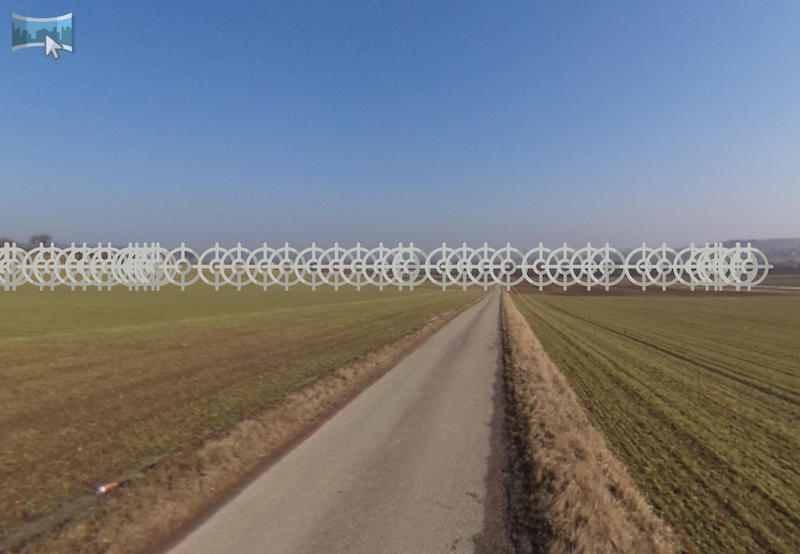
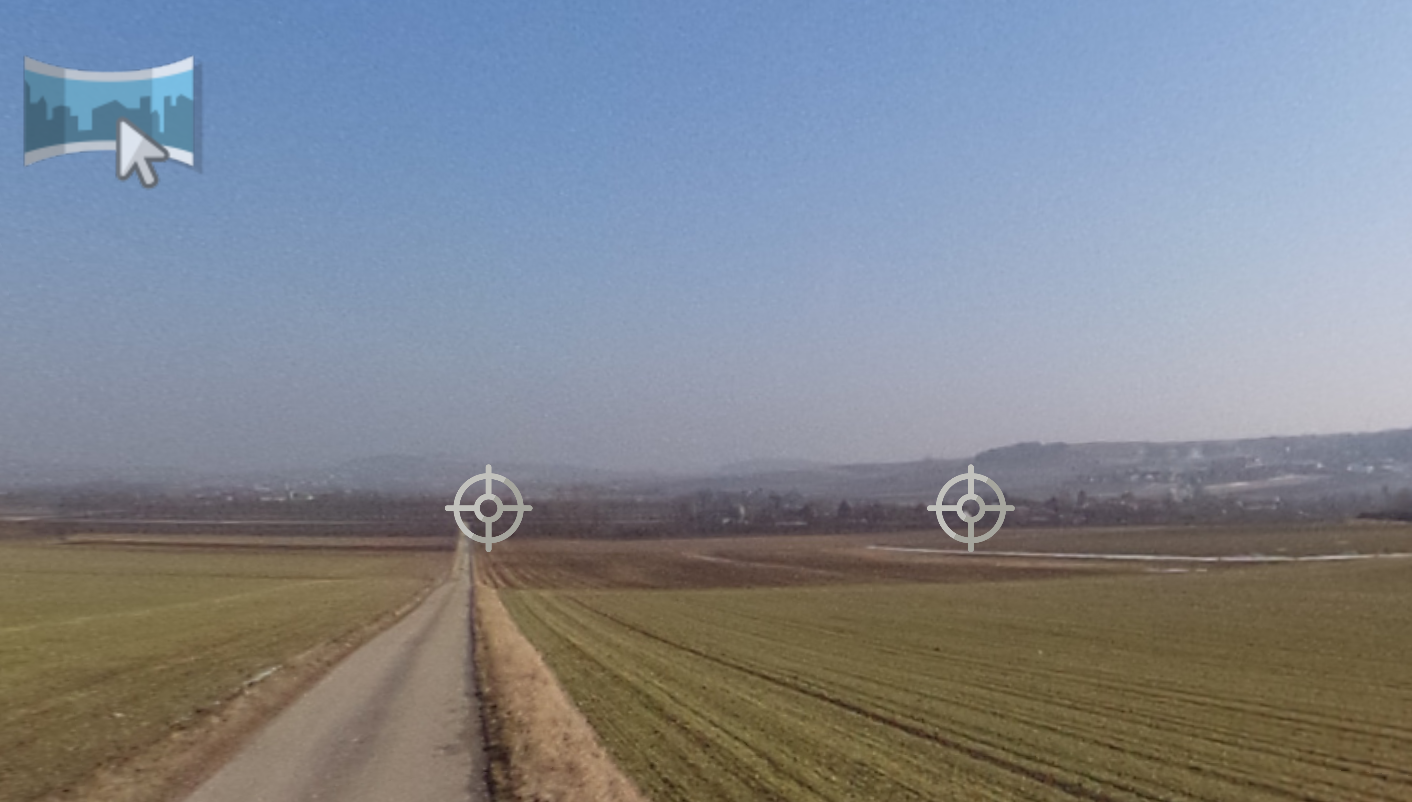
Ghost Hotspots
A ghost hotspot marks where another node of the tour is located, as a suggestion for a hotspot you can create with a double-click.
A ghost hotspot is a hotspot that is not yet activated in Pano2VR. It acts as a placeholder that shows where the other nodes of a tour are located in relation to the current node. In a panorama, ghost hotspots appear only when the nodes have location data, and only while point hotspots are shown in the Viewer. In a 3D model node, a ghost hotspot appears at each Tour Node camera point that doesn’t have a hotspot to its node yet.
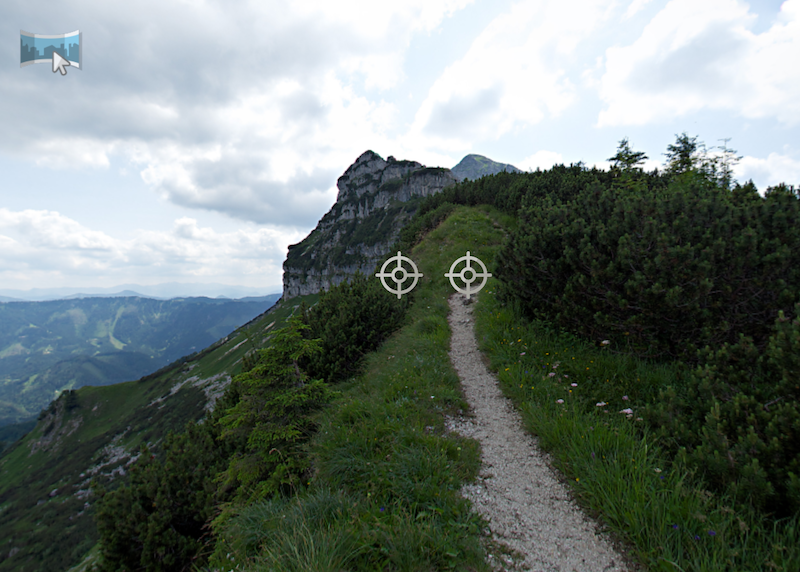
To activate a ghost hotspot, double-click it. This works with any Viewer tool that shows ghost hotspots and creates a Tour Node point hotspot linked to that node.
In a large tour, you may see more ghost hotspots than you want. To hide them, turn off Ghost Hotspots in the Viewer Settings (available in Pano2VR Pro), or use Filtering to reduce their number.